Your scores. Ready to play.
Stay with the music.
Keep your scores in order and your rehearsal notes close. When it’s time to play, let StageMate help turn the pages.



Prepare
The right score, right when you need it.
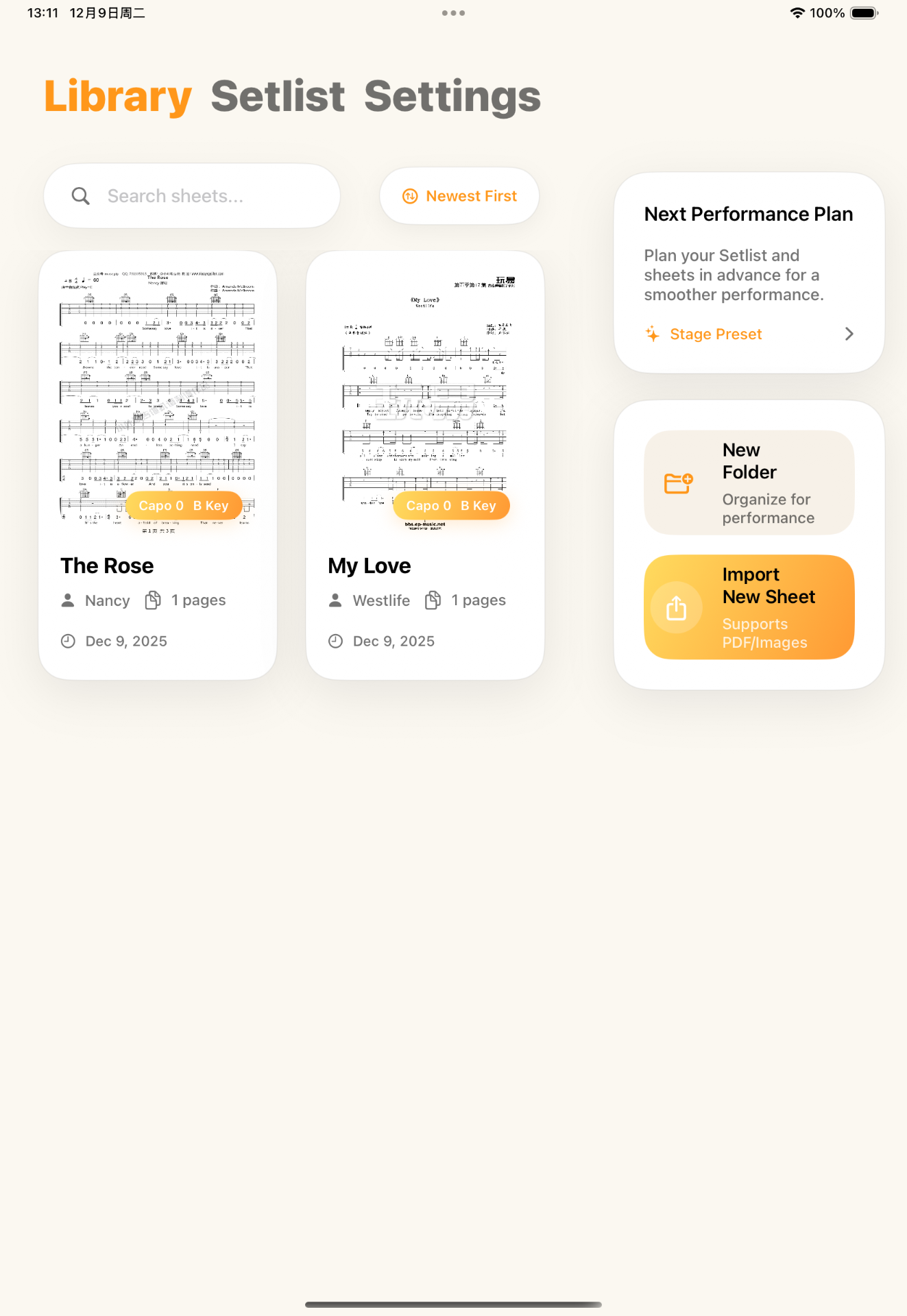
Bring PDFs, images and photos of paper scores into one library. Arrange your setlist in show order, so the next piece is always easy to find.
Find a score by title and pick up where you left off.
Rehearse
Make every rehearsal count.
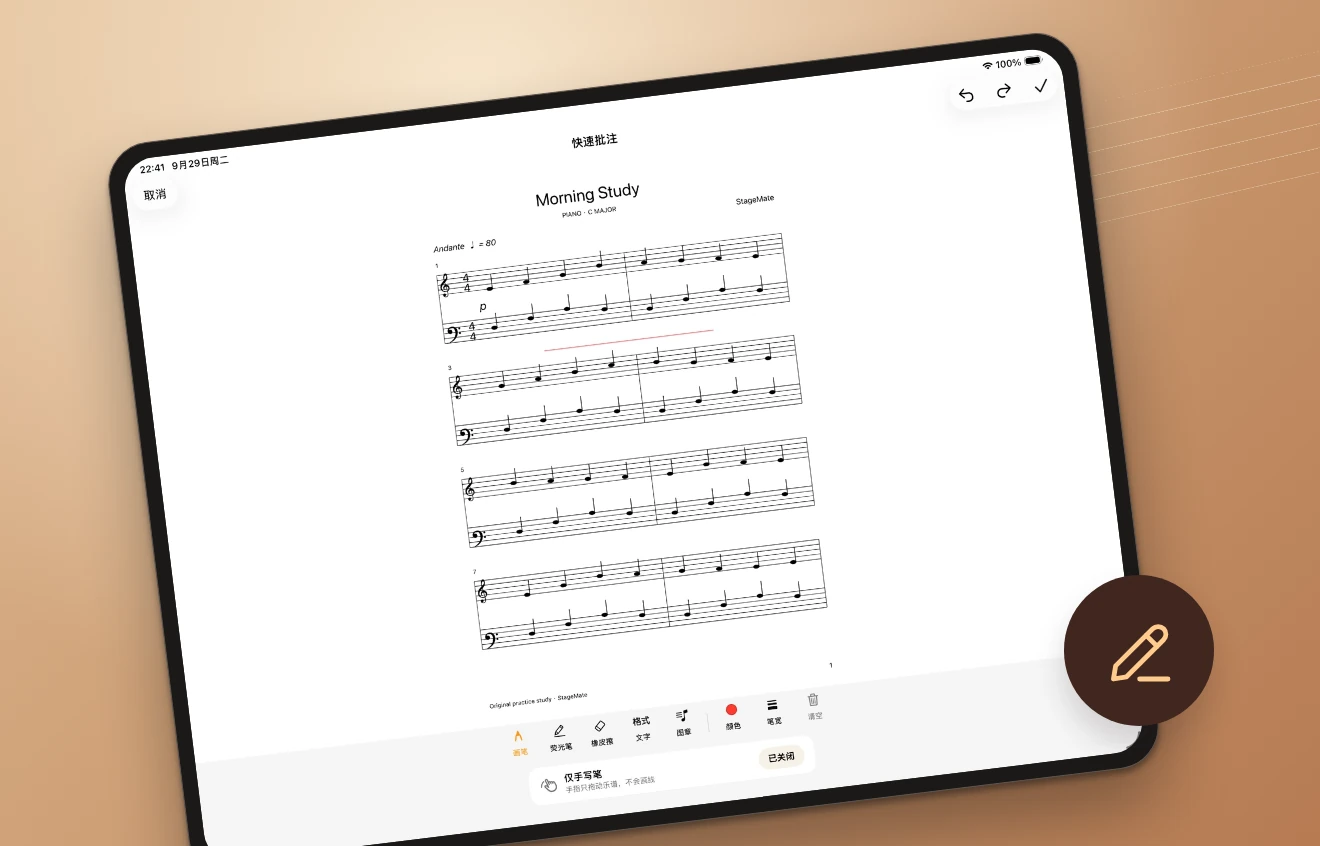
Mark fingerings, breaths and cues right on the score. Next time you play, your notes are already where you need them.
Jump straight back to a passage with page thumbnails.
Perform
Keep your hands on the music.
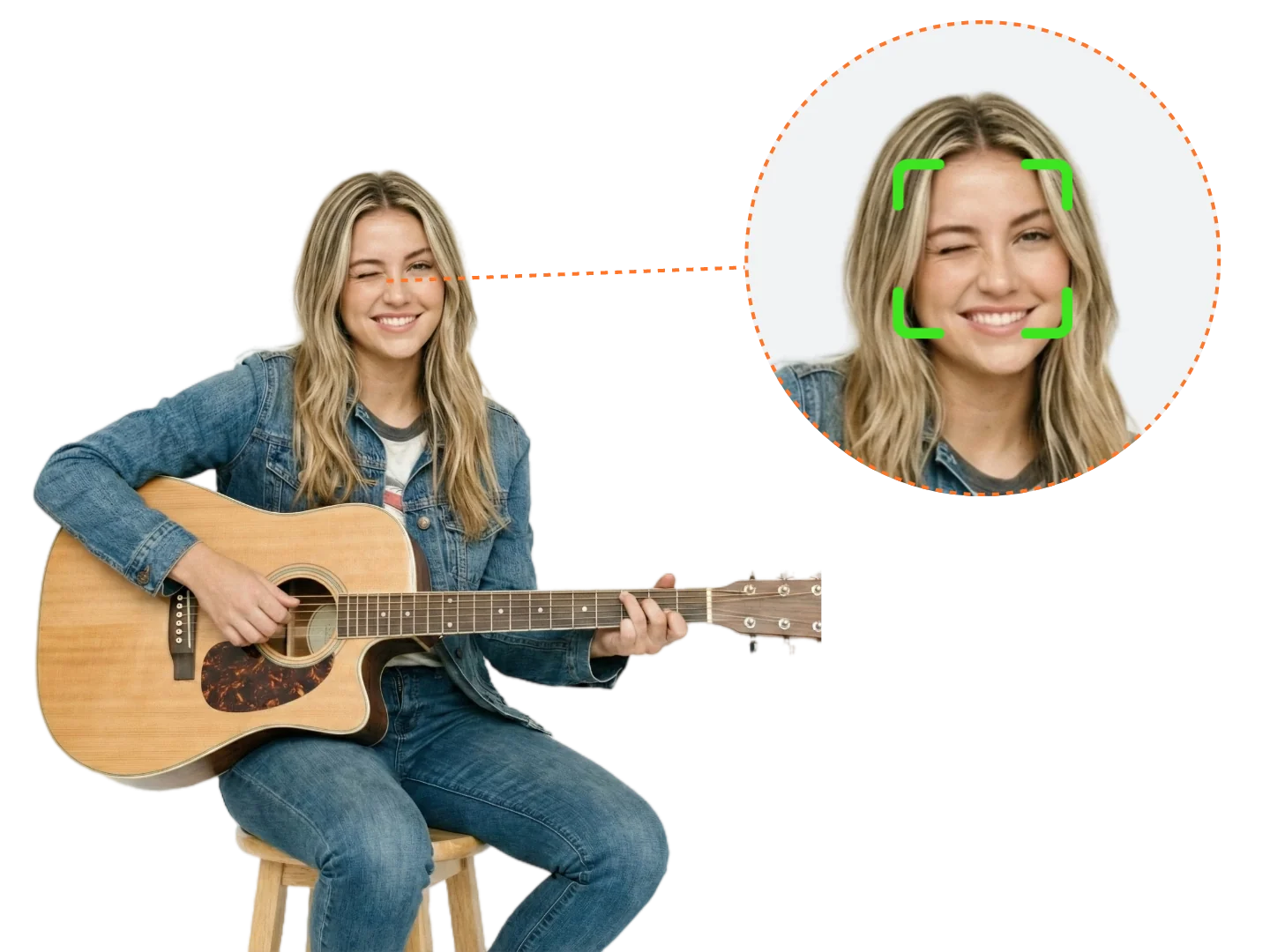
Let audio page turns follow your playing, or choose the moment yourself with a wink, a head turn or a pedal. Play the way that feels right to you.
Check your setup and sensitivity before the show.

Find your way to turn the page.
Hands-free on stage. A quick tap in practice. Eight ways to keep your music moving.
New · Audio page turns
Your playing sets the pace.
Record a reference performance, turning the pages by hand to mark each change. Next time, StageMate listens through the microphone, matches your playing to the recording and turns at your markers.
For instruments alone or voice with instruments. Preview your page turns before performing.
Wink
A deliberate wink turns the page while you keep playing.
Head movement
Turn your head to change pages. Adjust direction and sensitivity.
Audio page turns
Follow your reference recording and turn at saved markers.
Timer
Choose how long each page stays on screen.
Bluetooth pedal / keyboard
Use a compatible pedal or key to turn on cue.
Tap
Tap either side of the screen to go back or forward.
Swipe
Swipe sideways, or up and down in portrait.
MusicXML playback
Follow the score as your MusicXML file plays.
Prepare on your phone. Play on your tablet.
With Pro sync, your scores, pages and setlists are ready on your other devices within the same platform.
- iPhone and iPad sync through iCloud
- Android devices use the same StageMate account
Apple and Android have separate libraries and memberships.
Before you play
A few things to know before you play.